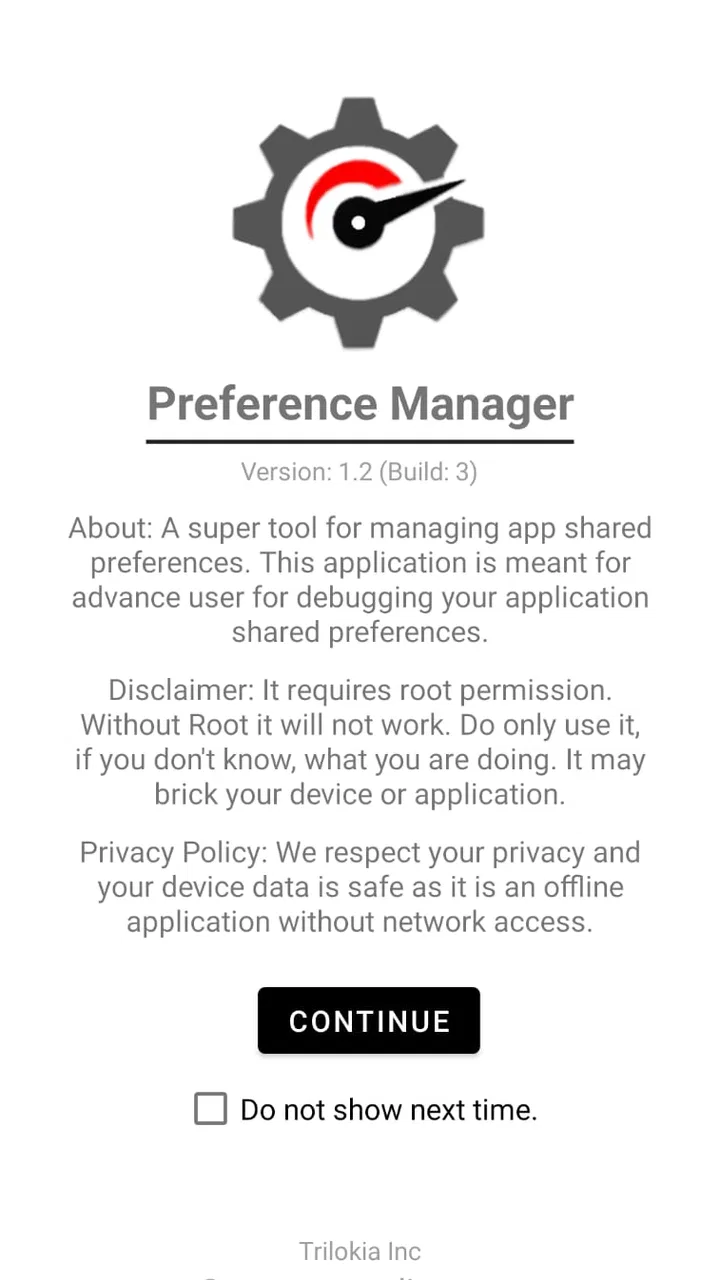
Preference Manager: Addon
- 4.2
- Rating
- 100.00K
- Installs
- Free
- Price

 Analysis by App-foxy
I rarely get excited about a utility that deals with app settings, but Preference Manager: Addon is the kind of small Android tool that can become surprisingly useful once you understand its purpose. It is designed for managing shared preferences, the behind-the-scenes values that many Android applications use to remember choices, switches, and configuration details. In my experience, that makes it much more interesting to developers, testers, and technically confident users than to someone looking for a general phone-cleaning app.
Developed by Trilokia Inc., this free app sits in the Libraries & Demo section rather than in the usual productivity or device-maintenance group. That placement is a good clue: it is more of a focused utility and demonstration tool than an everyday organizer. It runs on Android devices using version 5.0 or later, carries an Everyone age rating, and currently appears as version 1.4. I would recommend approaching it as a specialist instrument, not as a universal solution for backing up every part of an application.
What the current version is really useful for
The central idea is simple: Preference Manager: Addon gives you a way to inspect and work with app shared preferences instead of treating them as invisible internal data. Shared preferences are commonly used for small pieces of information, such as whether a prompt has been dismissed, which option was selected, or whether a setup step has already been completed. Being able to view those values can make testing and troubleshooting much faster.
You May Also Like

 Blood Strike: 2.5 Anniversary
Blood Strike’s Loadouts Turn Every Drop Into a Tactical Gamble
A close look at Blood Strike’s custom loadouts: how fast access to signature weapons reshapes its battle royale rhythm, rewards preparation, and narrows the gap between fights.

 Pandora - Music & Podcasts
Pandora’s Music Is Easy to Start, but Harder to Recover
Pandora’s strength is its low-effort path from a seed to a station. Its weak spot is how much confidence it asks you to place in connection, setup, and quiet recovery.

 8 Ball Pool
 Is Built on Rivalries, Rematches, and Routine
A close look at the rivalries, rematches, shared routines, and unanswered safety questions that turn a quick pool match into a persistent mobile community.

 Samsung Music
’s Quiet Strength Is Playing What You Already Own
Its reach comes less from spectacle than from dependable access to a personal library. That simplicity is both the app’s strongest retention engine and its ceiling.

 AccuWeather: Weather Radar
AccuWeather Review: A Quick, Clear Forecast for Everyday Decisions
For everyday plans, the best forecast is the one you can understand quickly. AccuWeather makes rain timing, radar, and local conditions easy to act on, with a few trade-offs.

 Hill Climb Racing
Why Hill Climb Racing Still Turns Crashes Into One More Run
A tiny car, a bumpy hill and one more upgrade: Hill Climb Racing keeps resurfacing because its simple chaos makes every near-miss feel personal.
More From Our News Desk



The practical benefit depends heavily on what you are trying to do. If I were testing an app, I could use a preference-management tool to examine how a setting is stored, reset a remembered state, or check whether changing an option produces the expected value. That is far more precise than repeatedly uninstalling and reinstalling an app just to return it to an earlier state.
There is also value for people who experiment with Android applications and need to understand behavior between launches. A preference may explain why an onboarding screen no longer appears, why a feature remains enabled, or why an app continues behaving as if it has already been configured. Instead of guessing, I can inspect the stored preference and decide whether changing it is appropriate.
This is a control-and-inspection tool, not a magic repair button. Shared preferences are only one part of an app’s stored information. They should not be confused with complete app data, databases, downloaded files, accounts, or cloud synchronization. If your goal is to transfer an app exactly as it is from one phone to another, this utility should not be your only plan.
A realistic everyday scenario
Imagine that I am testing a small Android app that shows a welcome message only on its first launch. I have already dismissed that message, but I need to check the first-run experience again. Reinstalling the app may work, yet it is slow and can interfere with other test data. With a preference-focused tool, I can look for the value associated with that first-run state and reset it if the app stores it in shared preferences.
That workflow is especially convenient when I am comparing several versions of an app or checking a change after an update. I can preserve the rest of my test setup while changing one stored preference. The important qualification is that this only helps when the application actually uses shared preferences for that state and when the tool can access the relevant data on the device. It is not a guarantee that every first-run screen can be restored this way.
Who will get the most from it
The strongest audience is made up of Android developers, app testers, students learning how Android storage works, and advanced users who are comfortable examining application configuration. For these people, the app’s narrow focus is a strength. It avoids burying a specific task inside a large backup suite or a crowded file-management interface.
I can also see it helping someone who supports Android devices and needs to investigate a repeatable configuration problem. If an app keeps returning to an unexpected state, checking its stored preferences can provide a useful clue before resorting to a full reset. That does not replace proper debugging, but it can shorten the path to the cause.
Casual users should think carefully before installing it. If you only want to clear an app’s cache, free storage, move photos, or back up messages, the phone’s built-in settings or a dedicated backup application will usually be clearer and safer. This utility is worthwhile when you have a specific shared-preference task in mind, not simply because it sounds like a general manager.
How the product has evolved and what that means
I find it useful to judge a specialist utility by the small, repeatable tasks it can make easier rather than by how many features it appears to offer. That perspective matters especially when a device is shared: the next section looks at how preference inspection might fit into a household workflow, while keeping each person’s app data and responsibility clearly separate.
The significance of version 1.4
The current release is version 1.4, following its original release on September 18, 2020. That gives the app a clear place in time: it is an established specialist utility rather than a brand-new experiment. The version number also suggests a product that has moved beyond its earliest form, although I would avoid reading more into that than the number itself proves.
What matters for me is how I interpret that maturity. A focused tool does not need a long list of visible features to be useful. Its value comes from whether it performs its narrow job in a predictable way and whether the interface helps me avoid changing the wrong setting. The current version should therefore be judged by control and clarity, not by comparison with full backup platforms that solve a much broader problem.
The app has an average rating of 4.2 from around 860 ratings, which indicates that many users find the concept valuable. I treat that as a useful signal rather than a promise. Specialist utilities often receive very different reactions from beginners and experienced users: one group may find the interface confusing, while another appreciates the direct access to settings that ordinary Android menus hide.
What existing users should expect after updates
If I were already using an earlier release, I would approach version changes conservatively. Before modifying preferences, I would record the original values or take notes about the app’s previous behavior. That simple habit matters because a preference change can be easy to make and difficult to understand afterward, especially when several values influence the same screen.
Existing users should also separate two ideas: an app update and a change to the target application’s storage structure. Preference Manager: Addon can help inspect shared preferences, but the app being examined may rename keys, remove old values, or move a setting into another storage method after its own update. A workflow that worked last month may therefore need adjustment even when the manager itself has not changed.
My practical advice is to change one value at a time, close and reopen the target app, and observe the result before making another edit. This turns the tool into a controlled testing aid rather than a guessing game. If the result is unexpected, restoring the original value is much easier when I have kept a written record.
Where it compares well with ordinary alternatives
Android’s standard app settings are excellent for straightforward actions such as clearing cache or clearing all stored data. They are also easier for nontechnical users to understand. The trade-off is that those controls are broad: clearing all data can remove much more than the one preference I wanted to reset.
A full backup application is better when I need to preserve an entire user environment, including files or account-related information. A file manager may be more suitable for moving documents and media. Preference Manager: Addon occupies a narrower space between those options. Its advantage is precision around shared preferences; its disadvantage is that it cannot replace the wider coverage of a backup or file-management solution.
That distinction is the most important buying decision, even though the app is free. I would choose it when I need targeted visibility into preference values. I would skip it when my real requirement is migration, recovery, storage cleanup, or protection against data loss.
Three habits that make the tool safer to use
First, I would inspect before editing. A preference name can be more informative than its value, but similar names may still control different parts of an app. Looking at the surrounding entries and noting the original state reduces accidental changes.
Second, I would test changes with the target app fully closed and then reopen it. Some applications read preferences only during startup, so changing a value while the app is running may not produce an immediate visible result.
Third, I would avoid treating a successful visual change as proof that the underlying problem is solved. An app may display the expected screen while storing related information elsewhere. Repeating the test after a restart is a better check than relying on one momentary result.
These habits are not flashy features, but they are where the real usefulness lies. The manager can expose a configuration detail; the user still has to interpret it carefully. In that sense, the app rewards patience and basic Android knowledge more than quick tapping.
Remaining gaps and points of friction
The main limitation is the app’s specialist nature. Shared preferences are not a universal map of an application. If a setting is held in a database, a file, a remote account, or a protected system area, inspecting preferences will not reveal the whole story. Someone expecting a complete application editor may come away disappointed.
There is also a learning curve. Names and values that make sense to a developer can look meaningless to a regular phone owner. Changing an unfamiliar entry without knowing what it controls can create confusing behavior. I would not hand this tool to a family member as a general troubleshooting shortcut unless I could guide them through the exact task.
Another point of friction is the difference between access and understanding. Seeing a stored value does not automatically explain why an app behaves a certain way. The manager can narrow the investigation, but it cannot replace documentation, source-code knowledge, or a reproducible test. That is a fair limitation for a small utility, though it should be clear before installation.
Device and Android-version differences can also affect the experience. The minimum supported system is Android 5.0, but access to application data can depend on the device environment and the way Android handles storage. I would not assume that every phone exposes the same information in the same way. If a task is important, I would test it on the actual device rather than relying on results from another handset.
Who should skip it
I would skip Preference Manager: Addon if I wanted a polished, guided backup process. It is not the right first choice for protecting photos, exporting conversations, transferring accounts, or recovering a phone after a reset. Those jobs need tools designed around the complete data set, with clearer restore steps.
I would also avoid using it casually on an important production app. If the application is essential for work, banking, authentication, or another sensitive activity, experimenting with internal settings may create more risk than benefit. A controlled test device or a documented recovery route is a better environment for this kind of investigation.
On the other hand, I would keep it installed on a development or testing phone. In that setting, the ability to return to a particular configuration without wiping everything can save time. The app’s free price makes that experiment easier, while the Everyone rating makes its general distribution uncomplicated; the responsibility still comes from how deeply the user edits the device.
What I would watch in future use
For the future, I would watch how well the app remains useful as Android storage rules and application architectures evolve. The more apps move important state into databases, encrypted storage, or online accounts, the more important it becomes for a preference manager to explain its boundaries clearly. A focused tool can stay relevant, but only if users understand exactly which layer of data they are viewing.
I would also pay attention to whether later releases make the workflow easier for newcomers without taking away the direct control that experienced users value. The best evolution would not be a pile of unrelated features. It would be clearer guidance around identifying values, safer ways to preserve an original state, and better help when a preference does not produce an obvious result.
The existing audience gives the app a reasonable foundation: it has passed 100K installs and has 11 written reviews, alongside its broader rating activity. Those figures show that it has found a niche, but they do not change my basic recommendation. This remains a purpose-built Android utility whose usefulness depends on having the right problem.
My final view is positive but selective. I like Preference Manager: Addon because it addresses a real gap between Android’s broad “clear all data” control and the detailed needs of testing or troubleshooting. It can help me reset a narrow state, inspect how an app remembers choices, and work through configuration problems more methodically. At the same time, I would never present it as a complete backup manager or a universal app repair tool.
If you are a developer, tester, or advanced Android user who understands that distinction, I think it is worth trying. Start with a low-risk application, make notes before editing, and change only one value at a time. If you simply want routine phone maintenance, choose a clearer built-in option instead. Its strength is precision, and its weakness is that precision requires the user to know what they are changing.
That balance is why I would recommend it to a technically curious friend, but only after asking what they actually need. For a focused shared-preference task, Preference Manager: Addon is a practical addition to an Android testing toolkit. For broad data management, a different category of app will serve you better.
FAQs for Preference Manager: Addon
01What is Preference Manager: Addon used for?
Preference Manager: Addon is designed to help users manage and customize app preferences on their Android devices. It allows for easy access and modification of app settings, providing a more personalized and optimized user experience. This can be particularly useful for advanced users looking to tweak performance or functionality.
02Is Preference Manager: Addon safe to use?
Yes, Preference Manager: Addon is safe to use if downloaded from a trusted source like the Google Play Store. However, users should be cautious when modifying app settings, as incorrect changes can affect app performance or lead to unexpected behavior. Always back up data before making significant changes.
03Do I need root access to use Preference Manager: Addon?
Yes, Preference Manager: Addon typically requires root access to function fully. This is because it needs deeper access to modify system-level app settings. Users without root access may find some features limited or inaccessible, so root access is recommended for the best experience.
04How does Preference Manager: Addon affect app performance?
By allowing users to customize app settings, Preference Manager: Addon can optimize app performance according to individual needs. It can help improve speed and responsiveness by disabling unnecessary features or adjusting resource usage. However, improper use might lead to performance issues, so careful adjustments are advised.
05Can Preference Manager: Addon support all apps?
While Preference Manager: Addon supports a wide range of apps, it may not work with every single application. Some apps have proprietary settings that the addon cannot modify. It's best to check compatibility with specific apps and proceed with caution, especially with essential or system apps.
Pros
- User-friendly interface for easy navigation.
- Supports multiple preference files seamlessly.
- Backup and restore preferences with ease.
- Customizable settings for advanced users.
- Works offline without any connectivity issues.
Cons
- Limited support for older Android versions.
- No in-app tutorials for beginners.
- Occasional lag in loading large files.
- Ads can be intrusive for some users.
- No dark mode option available yet.

Preference Manager: Addon
Gallery